What We Found Testing HMI Security in Critical Infrastructure
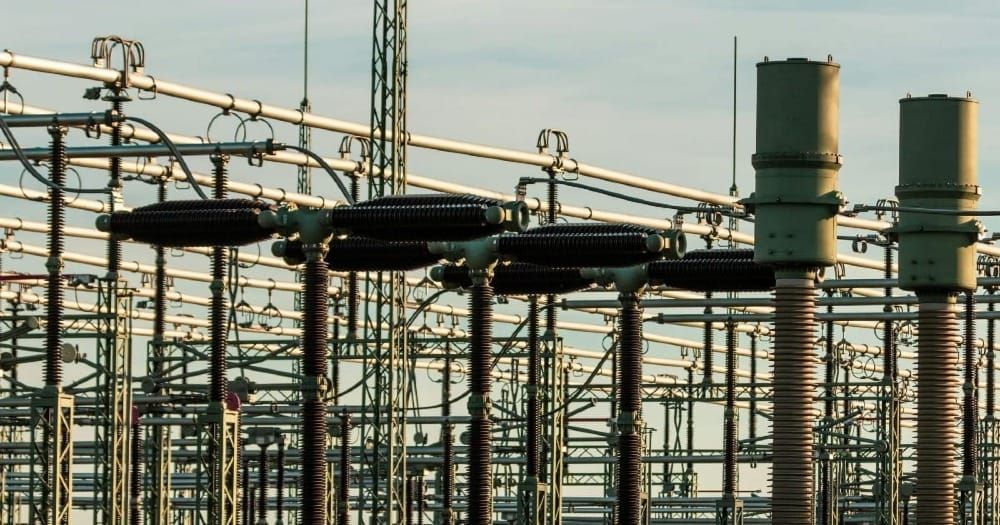
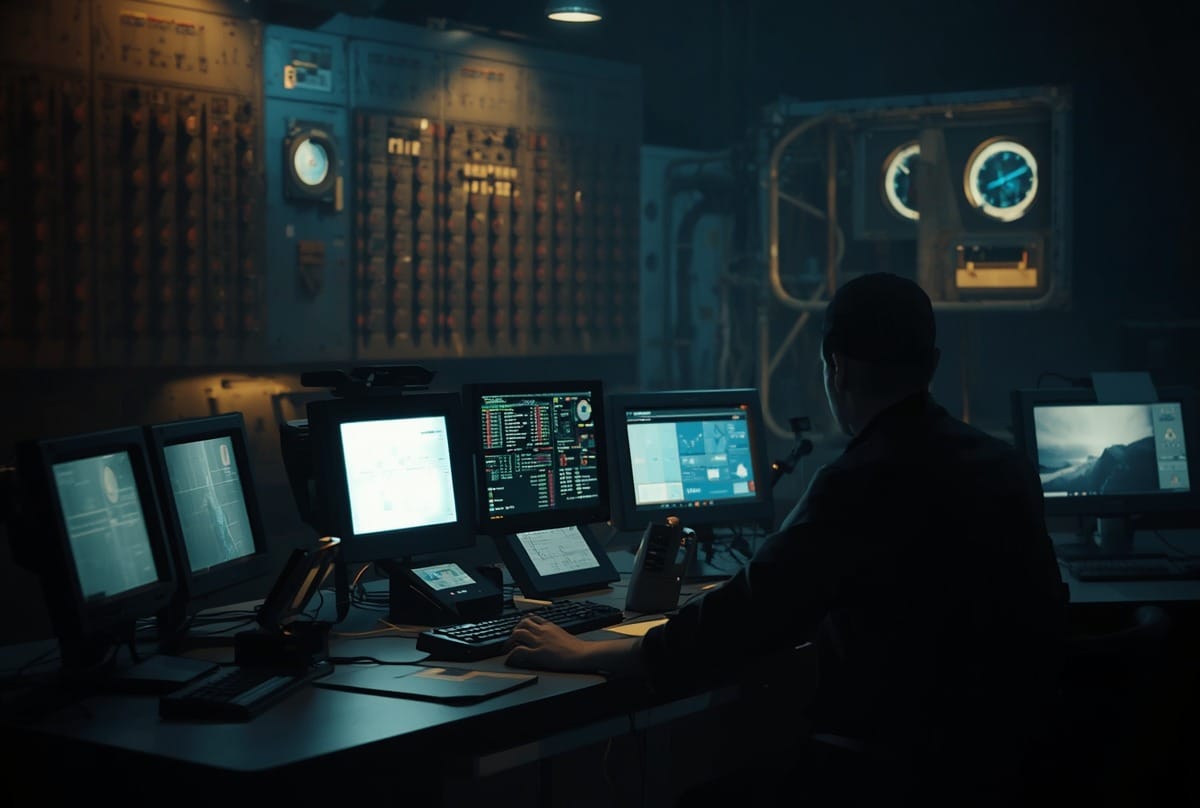
There's a particular kind of screen you'll find in control rooms, substations, and utility plants the world over. It shows a live schematic of whatever process the facility is running (e.g. pumps, valves, electrical loads) and operators use it to make things happen in the physical world. It looks modern. Reassuring, even.
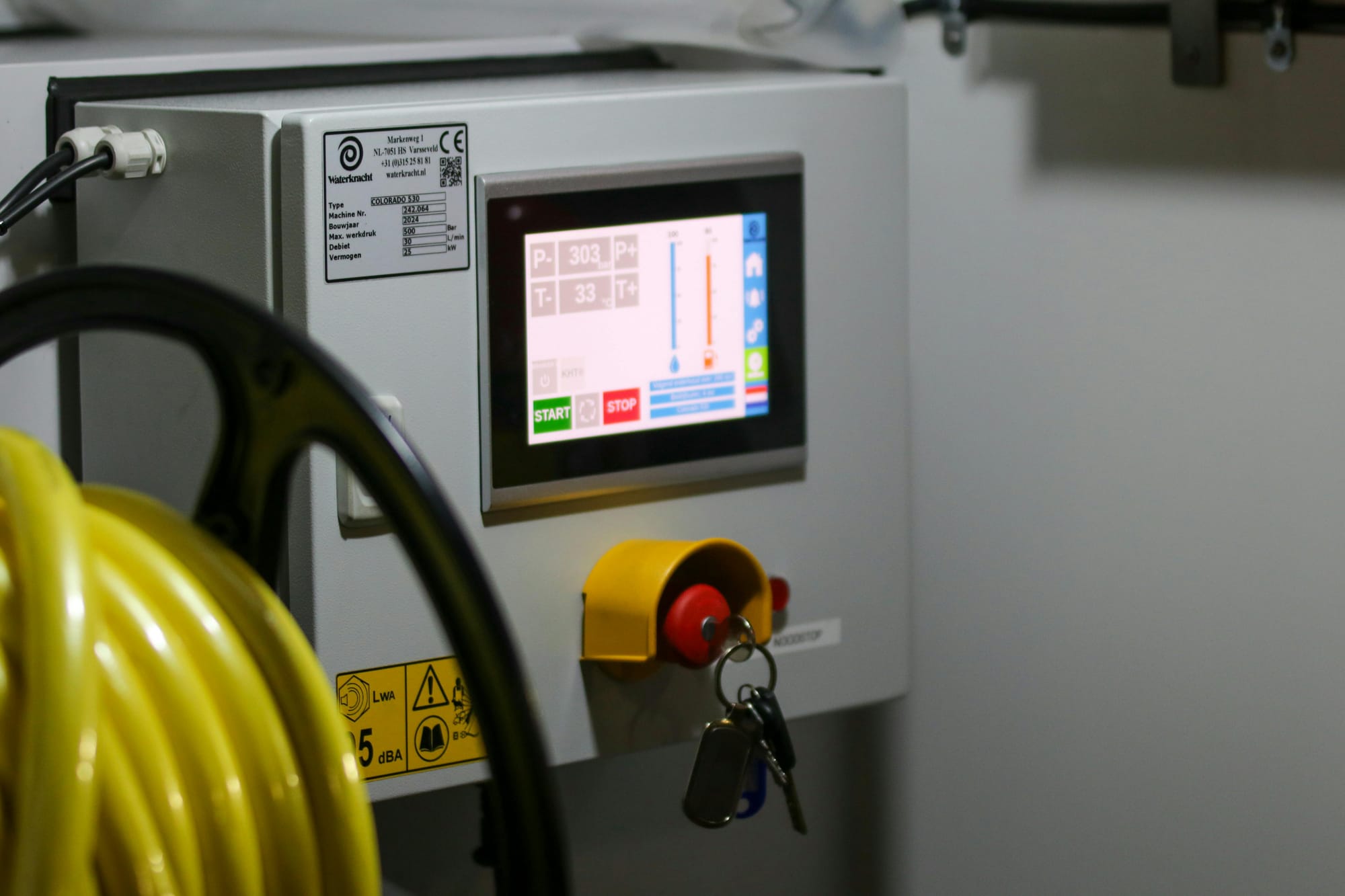
That screen is a Human-Machine Interface, or HMI. And in our experience testing them, it is frequently one of the most exposed devices in the operational technology environment.
What Is an HMI, and Where Do You Find Them?
An HMI is the graphical control panel between a human operator and an industrial control system. It visualises what a process is doing and allows an operator to intervene, for e.g. start a pump, open a valve, halt a production line, clear a fault.
They're everywhere critical infrastructure exists: water and wastewater treatment, power utilities, gas networks, and manufacturing plants. The technology varies, but the dependency on real-time operational interfaces is the same across all of them.
Because operators depend on HMI visibility and control to manage critical processes, they become a target for attackers. Disrupting or deceiving an HMI directly impacts the physical infrastructure an operator is responsible for.
A Brief History
Stuxnet (2010) demonstrated the first approach: deception. The malware blinded HMI operators at Iran's Natanz facility by feeding false "all-normal" readings while centrifuges spun themselves to destruction. Operators saw nothing wrong on their screens. Nearly a thousand centrifuges failed before anyone understood what was happening.
Ukraine (2015) showed the second approach: direct control. Attackers moved from corporate IT into the OT network and remotely operated HMIs to open power distribution breakers. Operators watched their cursors move on their own screens as control was taken from them. Over 230,000 customers lost power.
Oldsmar, Florida (2021) demonstrated the same pattern: direct HMI compromise via remote access. A remote attacker accessed a water treatment facility's HMI and attempted to increase sodium hydroxide to dangerous levels. An operator noticed the cursor moving on its own and intervened manually. The system had been accessed through an unpatched remote desktop connection
These incidents frame the core vulnerabilities: the screen can lie to you, or it can be turned against you. Either way, operators lose control.

What We Found in a Recent Penetration Test
We recently tested multiple HMI configurations. The vulnerabilities we identified are consistent with known security gaps in HMI deployments
Two HMIs. Very Different Security Postures.
The first ran VxWorks, a real-time operating system designed from the ground up to be minimal, reliable, and purpose-built for industrial environments. Its reduced attack surface isn't accidental - it's the result of an OS philosophy that trades convenience and flexibility for security and stability. There wasn't much to exploit because there wasn't much there.
The second ran full Windows 10. Not a locked-down kiosk. A largely default installation, with a full desktop environment and network connectivity. From a usability standpoint, more capable. From a security standpoint, a very different conversation.
Default Credentials
On one system, default credentials were still in place. This is not a novel finding, but it continues to appear in production environments with alarming regularity. Anyone who knows the product, or can search for it, has immediate authenticated access. No exploitation required.
Unauthenticated Project File Access
HMIs are configured using project files - packages that define what the interface displays, what it controls, and how it behaves.
We found that the HMI runtime software required no authentication to upload or download these project files. Anyone with network or local access to the HMI (no credentials, no authorisation) could pull the current project and examine it in full. More critically, they could replace it with a modified version. An attacker who swaps a legitimate project file for a malicious one can change what the operator sees, what gets reported as normal, and what commands get sent to physical equipment - without triggering an obvious alarm.
We also found that project file transfers were happening in cleartext, making them visible and interceptable on the network.
Runtime Escape and OS Access
The Windows-based HMI was running in kiosk mode, supposed to restrict users to the HMI application only. But we found multiple methods to break out of the runtime and access the underlying Windows OS with administrative privileges. These included using the on-screen keyboard to execute commands, connecting a USB keyboard to perform escape sequences (Alt+Ctrl+Del), leveraging default credentials at the OS level, and exploiting timing windows during the boot sequence when the system loads into desktop mode before the HMI runtime starts. Once at the OS level, an attacker has full administrative access to the system.
Exposed Physical Ports
The HMI had unrestricted USB ports. We connected a 4G USB dongle to the system, which immediately gave the HMI Internet connectivity. An attacker could use this to establish a backdoor connection to a command-and-control server, or to exfiltrate data. The ability to physically connect external devices and gain network access contradicts any assumption of security through network segmentation.

Unauthenticated Remote Access
We found unauthenticated remote software running on the system (e.g., VNC). This allowed direct remote access to the HMI desktop without credentials. An attacker with network visibility of the HMI could connect remotely and operate the system as if sitting at the physical console.
No Hard Drive Encryption
The HMI's hard drive was not encrypted. An attacker with physical access (or someone who steals the hard drive) can remove it, mount it on another system, and read all files, configurations, credentials, and project files. There is no protection of sensitive data at rest.
What an Attacker Can Actually Do
These vulnerabilities create multiple attack paths. An attacker with access to an HMI can:
Direct process manipulation - depending on the HMI's design and permissions, an attacker with access may be able to do what an operator can: open or close valves, change setpoints, start or stop equipment. Many HMIs are designed as read-only interfaces for monitoring, with limited or no control functions. But where write access exists, the impact can be significant. In a water treatment plant, that could mean changing chemical dosing rates or adjusting pH balance. In a power environment, opening breakers and switching loads. In manufacturing, halting production lines or changing equipment parameters mid-process.
Display manipulation is more difficult to detect. An attacker who has tampered with a project file can alter what the operator sees without changing what the system is actually doing. A pump running beyond safe limits could appear normal on the screen. An open valve could show as closed. Temperature readings could be falsified. The operator believes everything is fine while the physical process deteriorates. This is the Stuxnet model - operators have no idea something is wrong until equipment fails.
Credential harvesting and lateral movement. HMIs often store or pass credentials to connect with other OT systems - PLCs, RTUs, historian databases, and engineering workstations. A compromised HMI becomes a foothold into the broader OT network. An attacker can harvest credentials and move laterally to other systems, expanding their access far beyond the original entry point.
Ransomware and denial of service. Locking operators out of an HMI disrupts local visibility and control at a specific location, forcing reliance on manual controls or backup systems. In time-critical situations (e.g. power grid switching, chemical dosing adjustments, emergency responses) this disruption creates operational friction and risk. Attackers may not take down the entire facility, but they can degrade situational awareness and response capability at critical points in the system.
The Patching Challenge
HMIs are extraordinarily difficult to update. Many industrial processes run continuously. A patching window may occur once every few years, if at all, and it competes with mechanical maintenance and calibration for attention. Vendor certifications often tie the HMI software to a specific OS version - patching can break compatibility or void support.
The result is Windows 10 HMIs in live production environments running patch levels that are years out of date, with AV definitions that have never been updated, and services enabled that no operator ever uses. The stripped-down Linux HMI we tested is, in an odd way, a model: not through active security effort, but through the simple discipline of having less to exploit.
Remote Access Expansion
This is also why remote access deserves special attention. The pandemic-era rush to enable remote access to OT environments (e.g. VPNs stood up quickly, vendor sessions enabled, shared credentials handed out) dramatically expanded the attack surface of environments that had previously relied on physical access controls as a security layer.
In the Ukraine attacks, once attackers were inside the network via stolen VPN credentials, they manually operated HMIs to open breakers and take power offline. These actions appeared legitimate to monitoring systems because they mimicked normal operator behavior. Secure remote access to OT environments requires dedicated jump hosts, multi-factor authentication, session recording, and time-limited vendor accessnot just a VPN with default passwords.
How to Protect These Systems
HMI security requires layered protection - what the IEC 62443 standard calls zones and conduits.
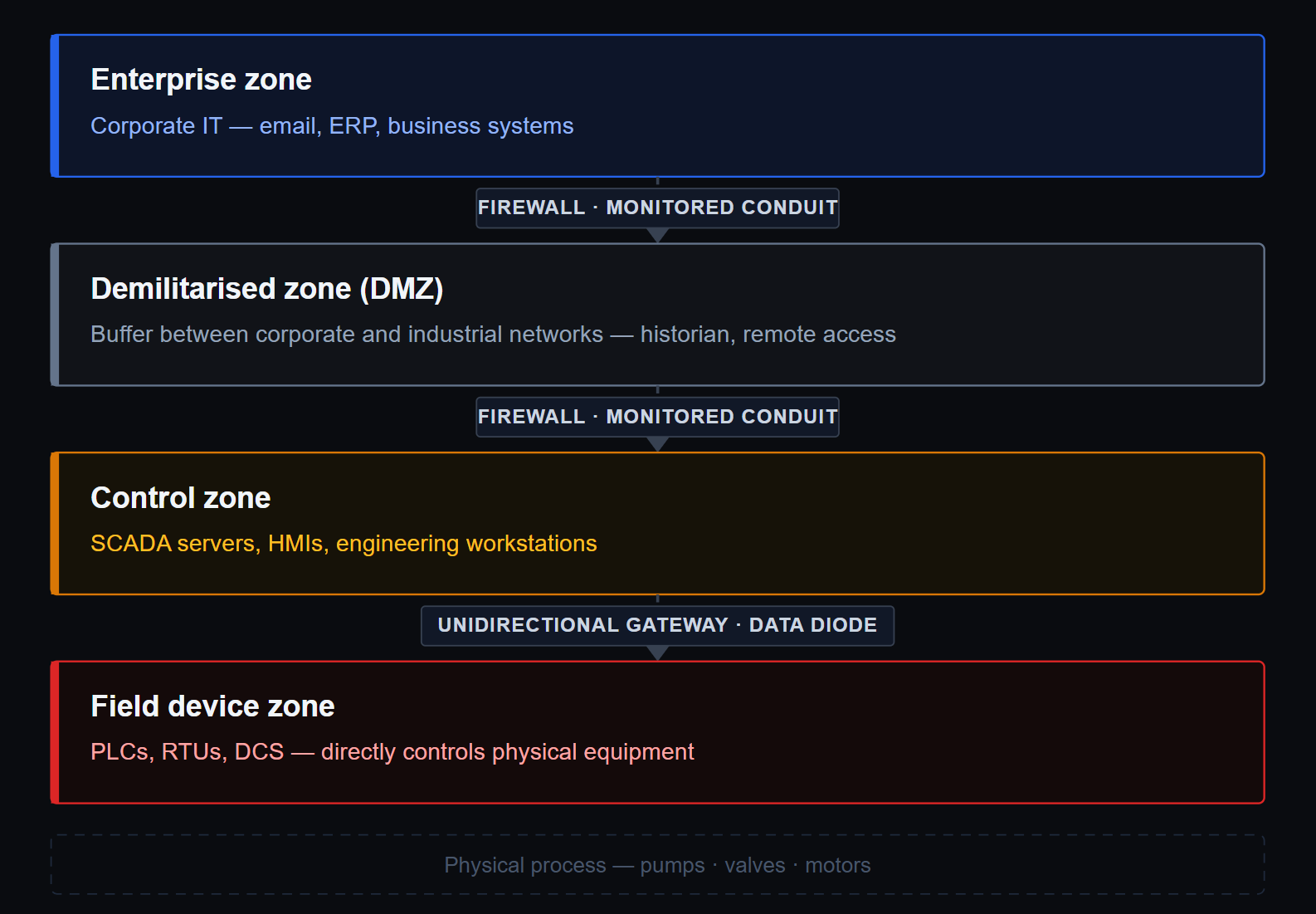
Network segmentation is the foundation: HMIs belong in a defined OT zone, not on a flat network reachable from corporate IT. Eliminate default credentials before any device goes into production - This is the lowest-hanging fruit and still routinely missed. Enforce authentication on project file access - if the runtime software doesn't support it, that's a conversation to have with the vendor. Encrypt communications, particularly engineering and remote access sessions.
For Windows-based HMIs where patching is constrained, application whitelisting is one of the most effective available controls. If only approved executables can run, most malware simply cannot execute. And where vulnerabilities cannot be remedied, compensating controls (e.g. tighter segmentation, enhanced monitoring, improved logging ) reduce the risk of exploitation and improve the chance of detection.
Finally: get assessed. The threat landscape changes even when the HMI doesn't. A penetration test conducted at commissioning may not reflect the exposure that exists after years of deferred patches, network changes, and new devices added to the environment.
The Stakes Are Higher Than a Data Breach
When an IT environment is compromised, the consequences are serious. When critical OT devices (including HMIs) are compromised, the consequences can be physical. Water becomes unsafe. Power goes out. Operational processes fail in ways that cannot be fixed by restoring a backup.
HMIs are a critical control point in operational technology environments. The findings from our recent test reflect weaknesses we see repeatedly. These are not edge cases. They are common patterns across the industry..
Securing these systems requires understanding what you have and knowing what its exposure looks like.